
How to enable location on Superbet on iPhone
Enabling location on Superbet on iPhone is essential to ensure that you have full access to all the platform’s features, including live betting, verificare bilet la superbet and exclusive promotions. Superbet uses location to confirm that you are in an area where the app is allowed to be used, respecting the legal rules of each region. Therefore, knowing how to enable location on Superbet on iPhone is fundamental for a safe and smooth experience.
The process to enable location is simple and quick, and can be done directly in your iPhone settings. In addition, it is important to be aware of possible issues that may arise, such as when Superbet is not working properly due to location settings being turned off. In this article, we will detail all the steps so you have no doubts and can make the most of Superbet, as well as tips for how to withdraw money from Superbet and use features such as 777 games and sportedasorte.
Discover how to enable location on superbet on iPhone to easily enjoy all the app’s features.
See how to enable location on Superbet on iPhone in just 79m and enjoy all the features.
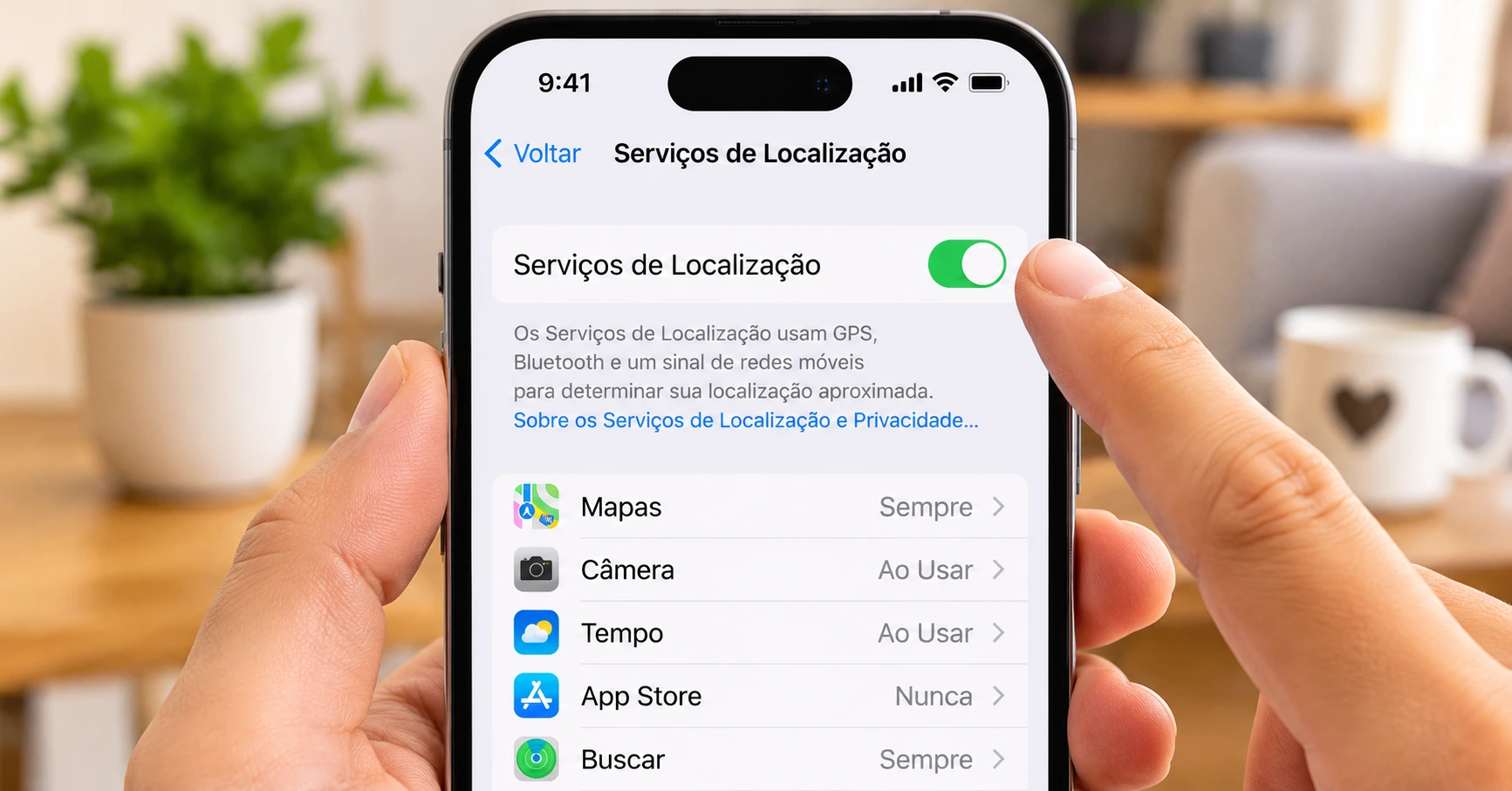
Steps to enable location on Superbet on iPhone
To enable location on Superbet on iPhone, follow these steps:
- Open the “Settings” app on your iPhone.
- Scroll until you find the “Superbet” option in the list of installed apps.
- Tap “Location”.
- Select the option “While using the app” to allow Superbet to access your location only while you are using the app.
- If you prefer, turn on the option “Allow always” so that location is available even in the background, which can be useful for live betting notifications.
After enabling location, restart the Superbet app to make sure the changes are applied correctly. If you continue having problems, check whether your iPhone operating system is up to date, as older versions may cause incompatibilities.
Additional settings on iPhone for Superbet
In addition to enabling location, it is important to check other settings that may affect how Superbet works on your iPhone. Make sure the app has permission to send notifications, as this lets you receive alerts about bets, results, and special promotions.
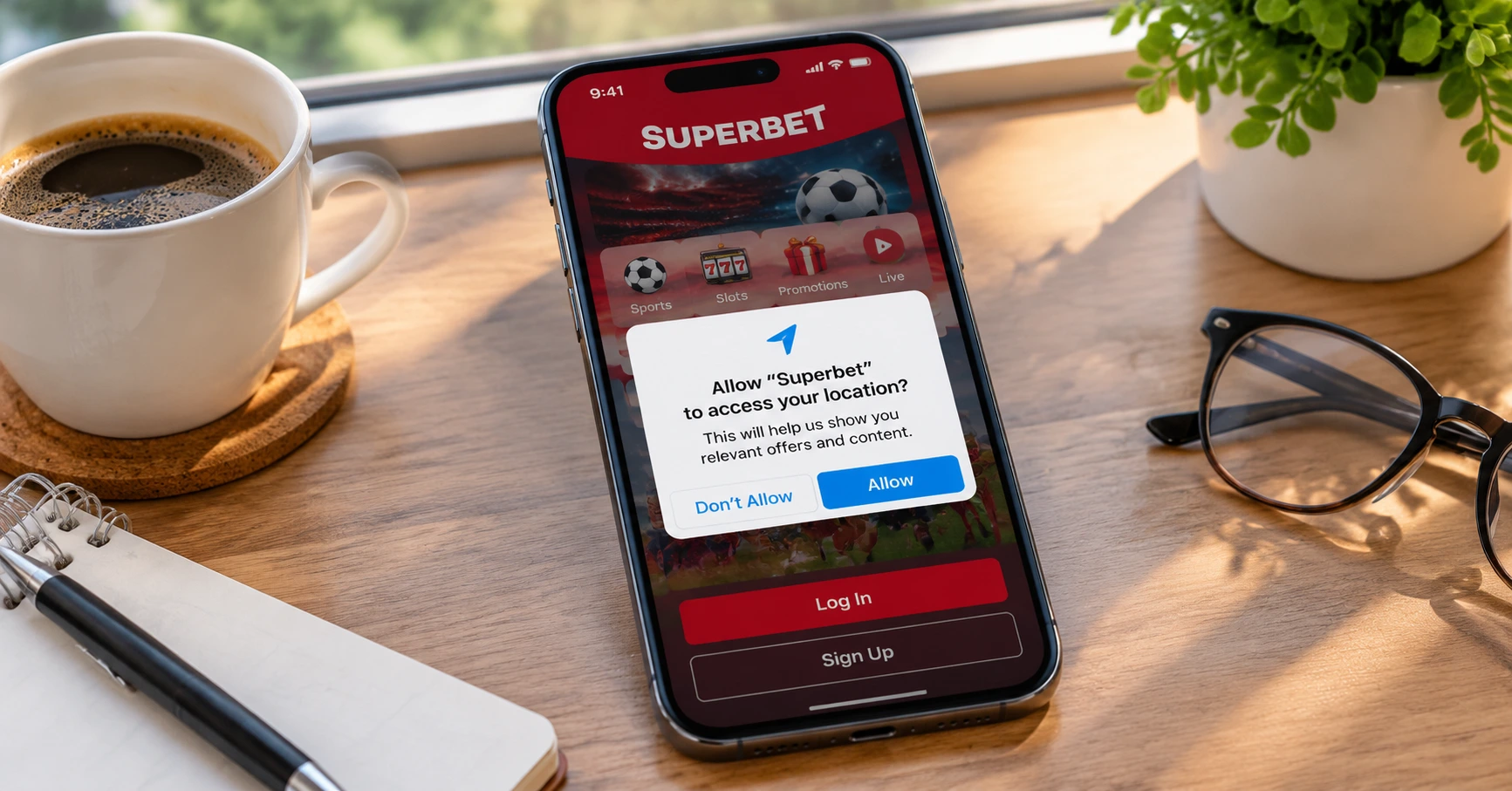
Another relevant point is the internet connection. Superbet depends on a stable connection to load real-time information, especially for features like 777 games and sportedasorte. Use a reliable Wi-Fi network or mobile data with good coverage to avoid interruptions.
It is also recommended to clear the app cache periodically to improve performance and avoid errors that may cause the message “Superbet is not working”. To do this, you can uninstall and reinstall the app, making sure the installed version is always the latest one.
Superbet is not working? See how to fix it
If Superbet is not working on your iPhone, the problem may be related to location being turned off or other device settings. Check whether location is enabled as described above and whether the app has permission to access it.
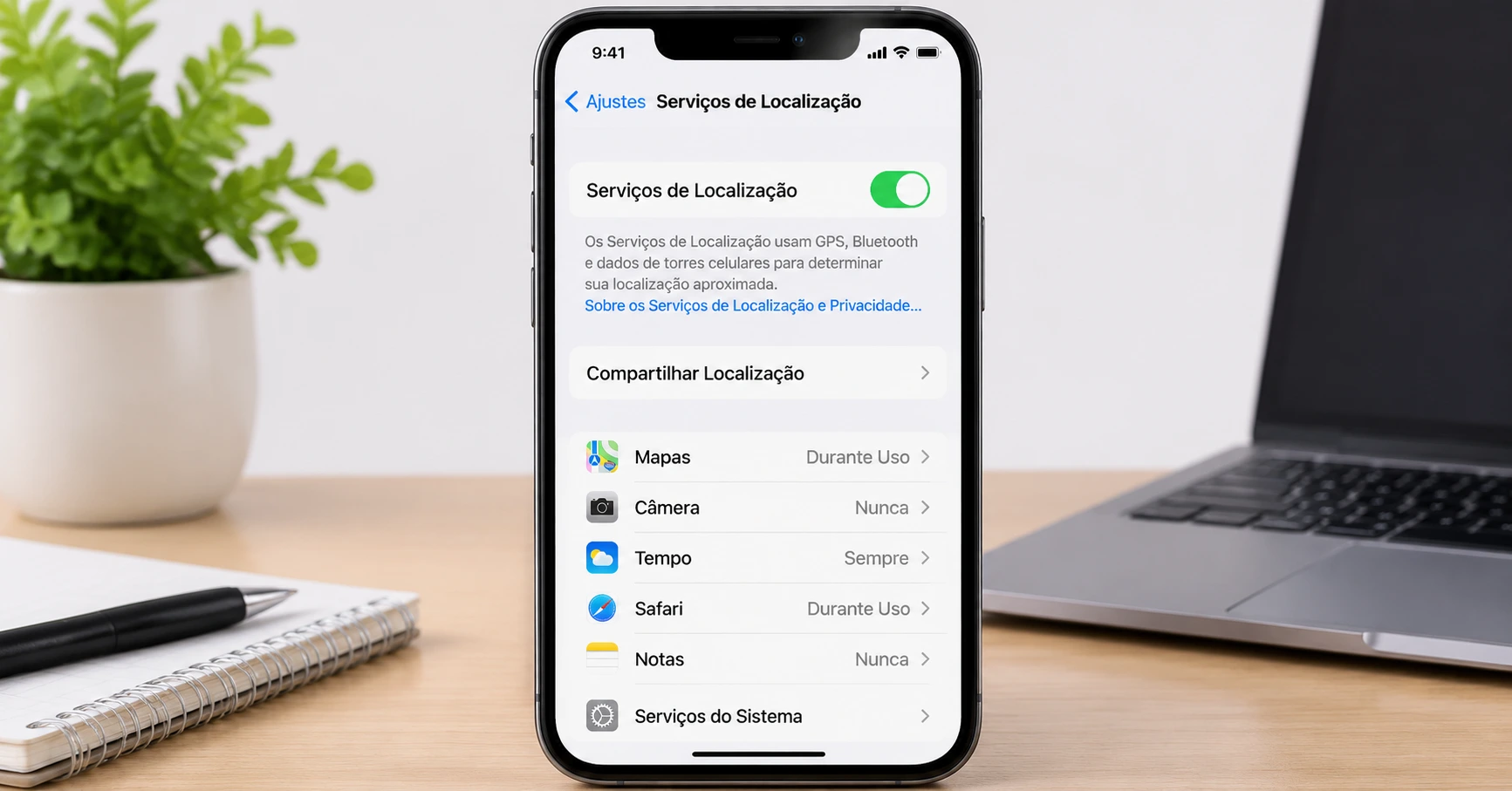
Other common problems include failures in the internet connection, temporary errors on the Superbet server, or incompatibility with the iOS version. To solve it, try the following steps:
- Restart the iPhone.
- Update the Superbet app to the latest version.
- Check the internet connection and switch between Wi-Fi and mobile data to test.
- Consult Superbet’s help center for personalized support.
If the problem persists, it may be useful to check the service status on social networks or forums, where users report whether Superbet is experiencing instability.
Other important Superbet features
In addition to learning how to enable location on Superbet on iPhone, it is important to know other features that the platform offers to improve your experience. Among them, the following stand out:
- How to withdraw money from Superbet: The withdrawal process is simple and can be done directly through the app after account verification. It is important to follow the instructions to avoid delays.
- Verificare bilet la Superbet: You can check the results of your betting tickets in real time, ensuring full control over your bets.
- 777 games: A special section within Superbet that offers a variety of games for entertainment and betting.
- Sportedasorte: A feature that combines sports betting with draws, increasing the chances of winnings.
These features make Superbet a complete platform for those who like to bet and have fun, always ensuring security and convenience.
Frequently asked questions about Superbet on iPhone
- Can I use Superbet without enabling location on iPhone?
- It is not recommended, as Superbet requires location to be enabled to ensure legal compliance and proper app functioning.
- How do I withdraw money from Superbet?
- After confirming your identity, access the withdrawals section in the app and choose the available method you prefer to transfer your winnings.
- What should I do if Superbet is not working?
- Check your location settings, internet connection, and update the app. If the problem persists, contact Superbet support.
- Can I play 777 games on iPhone?
- Yes, the 777 games section is available in the iPhone app, offering various games for betting and entertainment.
- What is sportedasorte?
- Sportedasorte is a Superbet feature that combines sports betting with draws, increasing the chances of winning additional prizes.